VoltAgent のエージェントは、指示、ツール、メモリとその他の機能で言語モデルをラッピングします。ユーザはエージェント・インスタンスを作成してから、そのメソッドを呼び出してレスポンスを生成したり出力をストリーミングします。
VoltAgent : エージェント – 指示 (instructions)
作成 : クラスキャット・セールスインフォメーション
作成日時 : 12/22/2025
バージョン : @voltagent/core@1.5.0
* 本記事は voltagent.dev/docs の以下のページを独自に翻訳した上で、補足説明を加えてまとめ直しています。スニペットはできる限り日本語を使用しています :
* サンプルコードの動作確認はしておりますが、必要な場合には適宜、追加改変しています。
* ご自由にリンクを張って頂いてかまいませんが、sales-info@classcat.com までご一報いただけると嬉しいです。

◆ お問合せ : 下記までお願いします。
- クラスキャット セールス・インフォメーション
- sales-info@classcat.com
- ClassCatJP
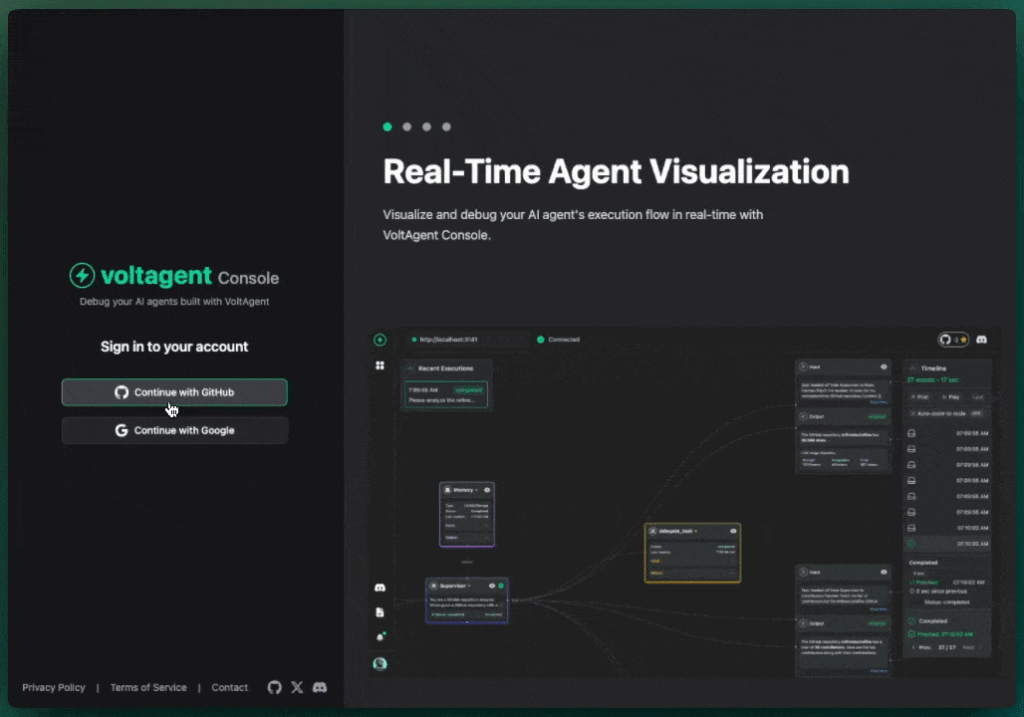
VoltAgent : エージェント – 指示 (instructions)
概要
VoltAgent はエージェントへの指示を定義するために 3 つのアプローチをサポートします。各アプローチは、柔軟性、チームコラボレーション、配備ワークフロー周りで様々な要件に対応しています。
3 つのアプローチ
| アプローチ | 定義 | コンテキストへのアクセス | チーム・ワークロー |
|---|---|---|---|
| 静的指示 | ハードコードされた文字列 | No | コードベース |
| 動的指示 | 実行時コンテキストを使用する関数 | Yes | コードベース |
| VoltOps 管理 | 外部管理プロンプト | Yes | プラットフォーム管理 |
静的指示
静的指示は instructions プロパティに割り当てられるリテラル文字列です。
import { Agent } from "@voltagent/core";
import { openai } from "@ai-sdk/openai";

const agent = new Agent({
  name: "SupportAgent",
  model: openai("gpt-4o-mini"),
  instructions: "You are a customer support agent. Help users with their questions.",
});
型シグネチャ
instructions: string;
When to Use
以下の場合に静的指示を使用します :
- エージェントの動作がすべてのインタラクションにわたり一貫性がある
- 実行時コンテキストは不要
- 指示が殆ど変更されない
- チームメンバーがコードレビューを通してプロンプトを編集する
以下の場合は避けるべきです :
- 異なるユーザが異なる動作を必要とする
- 指示が実行時データ (ユーザ層、時間、場所) に依存する
- 技術系以外のチームメンバーがプロンプトを編集する必要がある
- コードコミット以外でプロンプトのバージョン管理を必要とする
動的指示
動的指示は、実行時コンテキストを受け取り指示を返す関数です。
文字列を返す
関数はコンテキストに基づいて plain 文字列を返すことができます :
const agent = new Agent({
  name: "SupportAgent",
  model: openai("gpt-4o-mini"),
  instructions: async ({ context }) => {
    const userTier = context.get("userTier") || "basic";

    if (userTier === "premium") {
      return "You are a premium customer support agent. Provide detailed explanations and prioritize this customer's requests.";
    }
    return "You are a customer support agent. Provide helpful but concise answers.";
  },
});
Using with context :
const premiumContext = new Map();
premiumContext.set("userTier", "premium");

const response = await agent.generateText("I need help", {
  context: premiumContext,
});
PromptContent オブジェクトを返す
関数はテキストまたはチャットベースの指示のために PromptContent オブジェクトを返すこともできます。
テキスト型 :
const agent = new Agent({
  name: "SupportAgent",
  model: openai("gpt-4o-mini"),
  instructions: async ({ context }) => {
    return {
      type: "text",
      text: "You are a customer support agent.",
    };
  },
});
複数のメッセージを含むチャット型 :
import { Agent } from "@voltagent/core";
import { openai } from "@ai-sdk/openai";

const agent = new Agent({
  name: "ChatAgent",
  model: openai("gpt-4o-mini"),
  instructions: async () => {
    return {
      type: "chat",
      messages: [
        {
          role: "system",
          content: "You are a helpful assistant.",
        },
        {
          role: "user",
          content: "Hello!",
        },
        {
          role: "assistant",
          content: "Hi! How can I help you today?",
        },
      ],
    };
  },
});
プロバイダー固有のオプションを含むチャット型 :
import { Agent } from "@voltagent/core";
import { anthropic } from "@ai-sdk/anthropic";

const agent = new Agent({
  name: "CachedAgent",
  model: anthropic("claude-3-7-sonnet-20250219"),
  instructions: async () => {
    return {
      type: "chat",
      messages: [
        {
          role: "system",
          content: "Long system prompt that should be cached...",
          providerOptions: {
            anthropic: {
              cacheControl: { type: "ephemeral", ttl: "5m" },
            },
          },
        },
      ],
    };
  },
});
型シグネチャ
instructions: (options: DynamicValueOptions) => Promise;

interface DynamicValueOptions {
  context: Map;
  prompts: PromptHelper;
}

interface PromptContent {
  type: "text" | "chat";
  text?: string;
  messages?: ChatMessage[];
}
When to Use
以下の場合に動的指示を使用します :
- エージェントの動作がユーザのプロパティ (階層、ロール、設定) に依存する
- 指示が実行時データ (時間、場所、セッション状態) を必要とする
- 異なるテナントが異なる動作を必要とする
- 条件付きロジックが指示内容を決定する
以下の場合には避けるべきです :
- 複数の技術系でないステークホルダーがプロンプトを編集する必要がある
- コード外でプロンプトのバージョン履歴を必要とする
- 共同でプロンプト編集を必要とする
- コードを配備することなくプロンプトを更新する必要がある
VoltOps プロンプト管理
VoltOps はプロンプトの内容をアプリケーション・コードから分離します。プロンプトは VoltOps プラットフォームで作成されてバージョン管理され、実行時に取得できます。
VoltOpt プロンプト管理の完全なドキュメントについては、以下をご覧ください :
簡単な例
import { Agent, VoltAgent, VoltOpsClient } from "@voltagent/core";
import { openai } from "@ai-sdk/openai";

const voltOpsClient = new VoltOpsClient({
  publicKey: process.env.VOLTAGENT_PUBLIC_KEY,
  secretKey: process.env.VOLTAGENT_SECRET_KEY,
});

const agent = new Agent({
  name: "SupportAgent",
  model: openai("gpt-4o-mini"),
  instructions: async ({ prompts }) => {
    return await prompts.getPrompt({
      promptName: "customer-support-prompt",
      label: "production",
      variables: { companyName: "VoltAgent Corp" },
    });
  },
});

new VoltAgent({
  agents: { agent },
  voltOpsClient: voltOpsClient,
});
When to Use
以下の場合には VoltOps を使用します :
- 技術系でないチームメンバーがプロンプトを編集する
- 監査証跡と承認ワークフローが必要である
- 複数の環境で異なるプロンプトバージョンを必要とする
- プロンプトの分析と監視を必要とする
避けるべき場合 :
- 外部への依存が許容されない場合
- オフライン操作が必要な場合
以上